Teams & Business
One brand.Every person on the team.
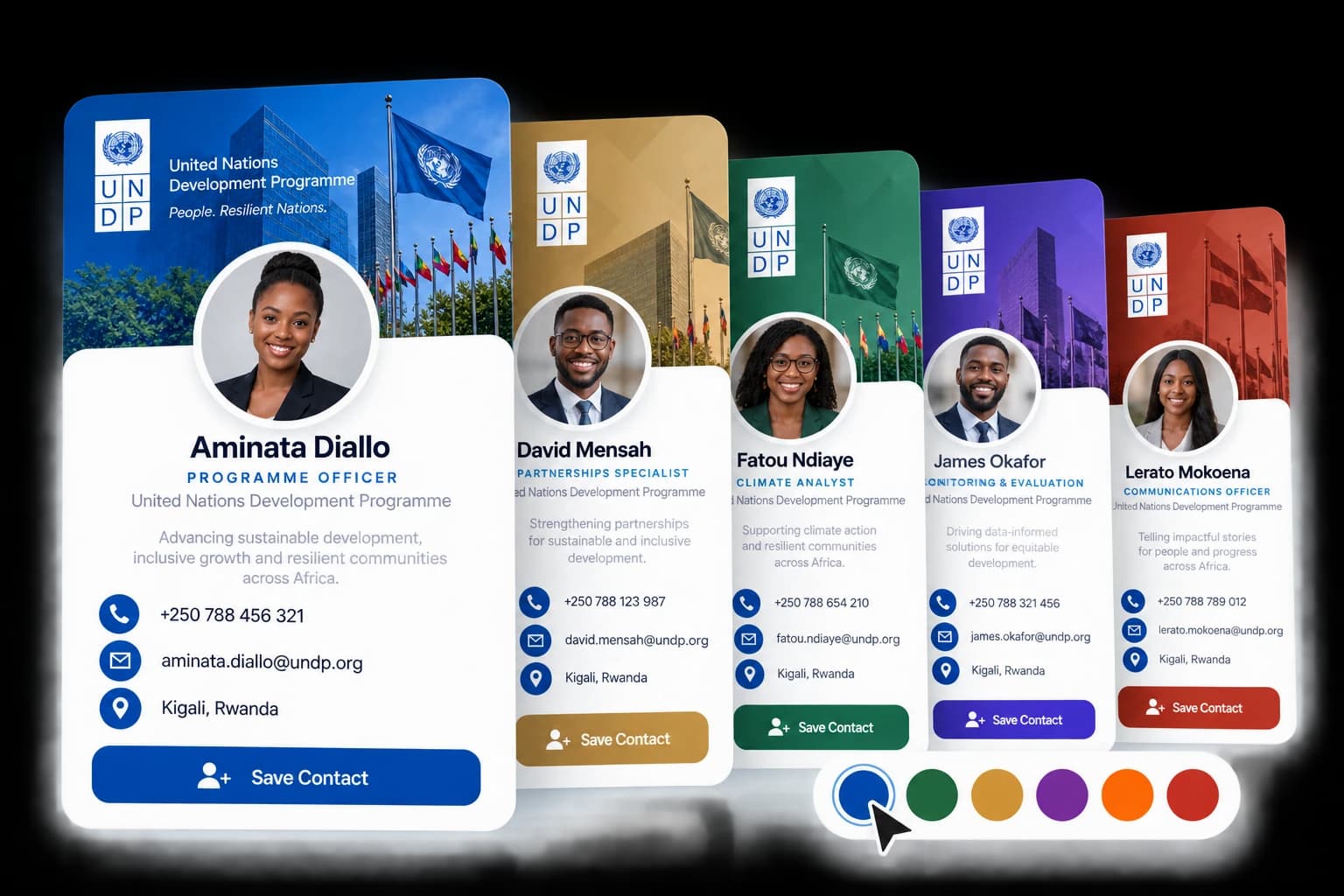
Trusted by forward-thinking organizations


 Ministry of ICT & Innovation












 Dominican Republic
 Jamaica
Brand kit & templates
Set the brand once. Every profile follows.
Your logo, colours and cover apply to every member profile. Brand fields stay locked, so no one drifts off-brand — and templates give each new profile the same sections and defaults.
- Logo, colours and cover on every profile
- Brand fields locked across the organisation
- Templates for consistent team rollouts

Sarah Mensah
Product Manager
Your organisation
David Okoth
Sales Director
Your organisation
Team & invitations
Invite the team. Decide who manages it.
Invite people by email. Owners and administrators manage the workspace; members keep their own profile up to date. Remove someone and their access goes with them.
- Invitations by email
- Owner, Administrator and Member roles
- One directory for the whole organisation
 Amina Njorogeamina@kazitech.exampleOwnerActive
 David Okothdavid@kazitech.exampleAdministratorActive
 Sarah Mensahsarah@kazitech.exampleMemberActive
 Tunde Adeyemitunde@kazitech.exampleMemberActive
- KAkwame@kazitech.exampleInvitation sent · MemberInvited
NFC cards & rings
Every card and ring, assigned to a person.
Each device is written to its owner's profile. When someone leaves, reassign it. If one is lost, lock the profile: the address keeps working, but shows a locked page instead of their details.
- Cards and rings assigned per member
- Reassign without reprinting
- Lock a lost device's profile in one step
- BCT-7K2F-NX4QNFC card
 DavidActive
- BCT-RNG-S8-3PZDSmart ring
 AminaActive
- BCT-9QW1-HM7CNFC card
 Sarah Locked
- BCT-4TR8-LB2VNFC cardUnassignedIn stock
Connections
Every introduction, captured for the business.
When someone exchanges details with any member, it lands in one organisation-wide list — tagged to the event you set, with where it came from and who made it.
- One list across every member profile
- Tag exchanges to the current event
- Follow-ups and CSV export
- GWGrace WanjiruSavanna LogisticsTapFollow up
- PMPeter MugishaLake Region FoodsScan
- FDFatima DialloAtlas AdvisoryLink

- JBJoseph BandaCopperline MiningTapFollow up
Analytics
See what the team's networking returns.
Reach, meaningful connections and connection rate across the organisation, with top performers and a view by department. Export an executive summary when it's time to report.
- Reach, connections and connection rate
- Top performers and department view
- Executive summary export (CSV)
People reached
4,812
Meaningful connections
1,036
Connection rate
21.5%
Active members
24 / 25
Top performers
- Amina
- David
- Tunde
- Sarah
Getting started
Three steps.Then the team is live.
Sarah Mensah
Product Manager
Your organisation
David Okoth
Sales Director
Your organisation
Bring Bizcotap to your team.
Tell us the size of your team and what you need. We'll set up the workspace with you.